Bid Leveling
Compare bids that cover the same scope
Subcontractor bids never arrive in the same shape. One includes the hoisting, another does not. Bid leveling is the work of getting them onto the same basis so the comparison is real. PreConstruct puts the bids side by side and shows where they differ.
Already a customer? Log in
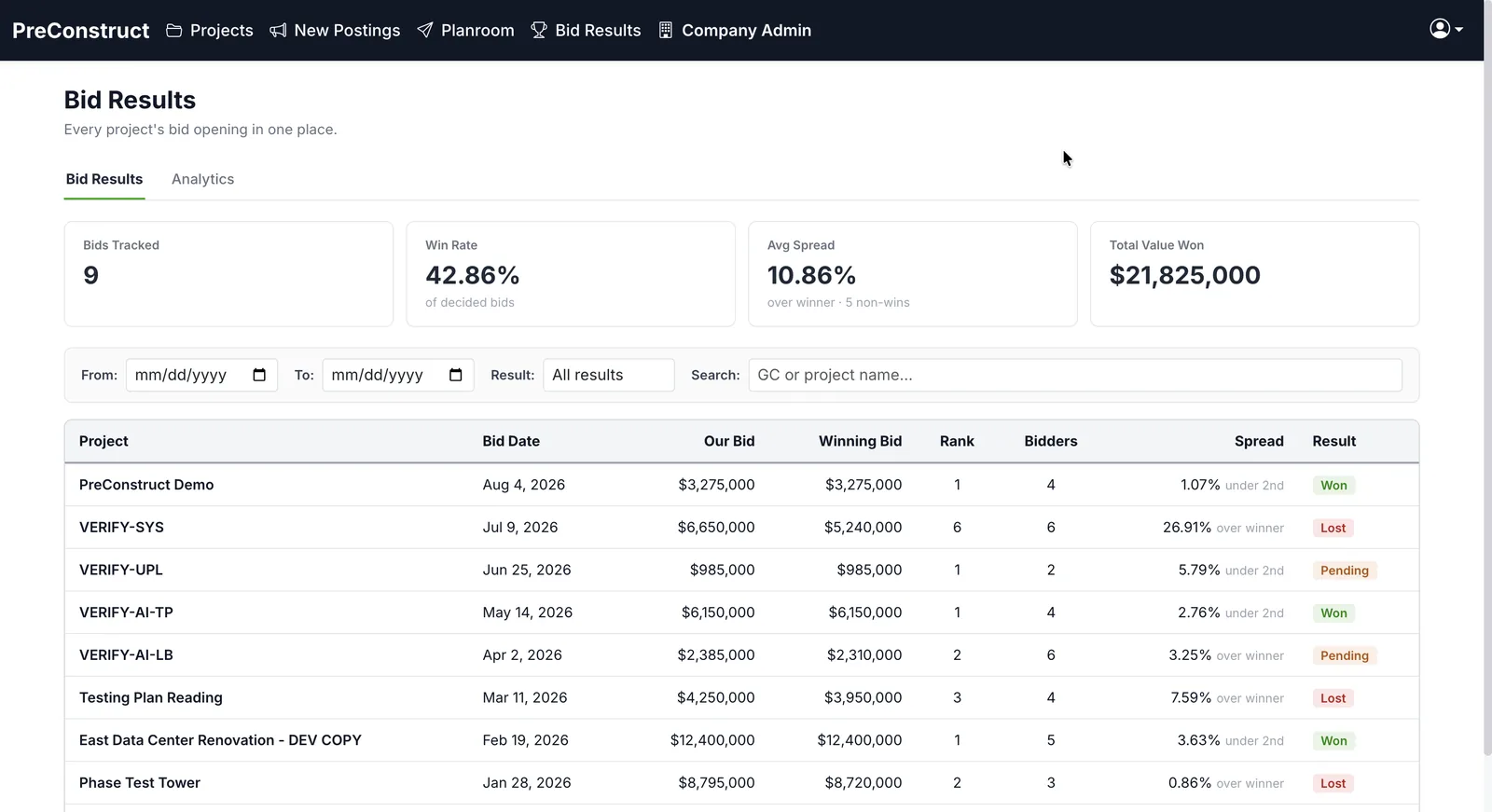 Win rate and spread, tracked
How it works
- 1Enter or import the bids you received for a division.
- 2Compare them line by line against the same scope.
- 3Mark inclusions and exclusions so the numbers sit on the same basis.
- 4Record the award and the spread to the next bidder.
What you get
- Side-by-side comparison across bidders
- Scope gaps visible instead of buried in a spreadsheet
- Spread to the winning number recorded
- Results kept with the project instead of in a one-off file
Common questions
What is bid leveling?
Bid leveling is adjusting subcontractor bids so they cover the same scope before you compare them. Without it you are comparing two different jobs.
Does this replace my bid tab spreadsheet?
It does the same job in one place tied to the project, so the tab does not get lost on someone's desktop after the award.
Can I record which bid won?
Yes, along with the spread to the next bidder.
Does it handle alternates?
Add and deduct alternates can be recorded against a bid.
Related
See it on one of your own bids
We will walk through the platform using a project like the ones you bid, not a canned sample.
Or email contact@preconstruct.ai