Bid Packages
Know who is actually bidding
Getting plans to subs and knowing who is actually bidding is a job in itself. PreConstruct sends the package, gives each bidder a portal, and shows you who opened it, who downloaded, and who intends to bid.
Already a customer? Log in
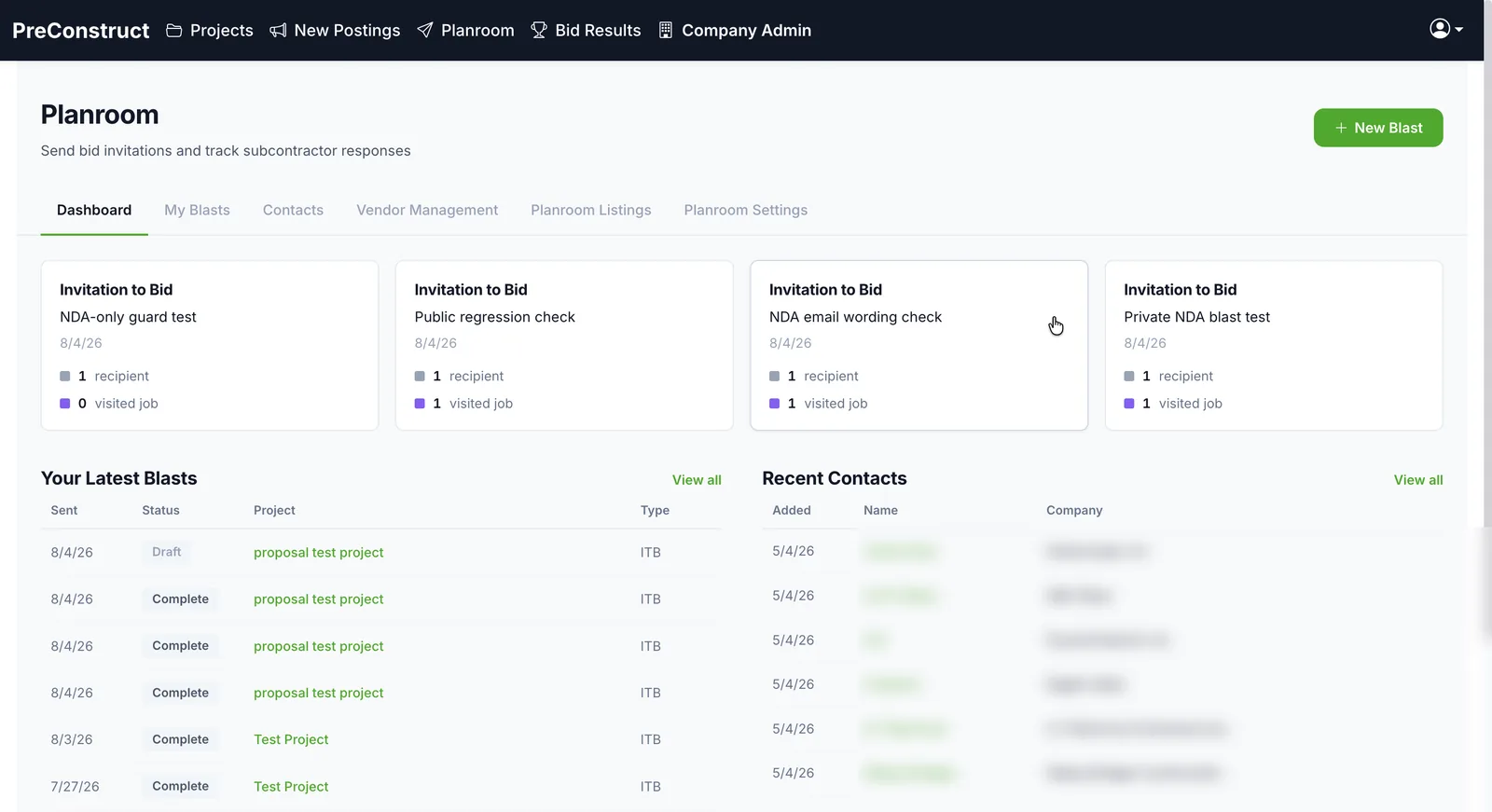 See who actually opened it
How it works
- 1Choose which subcontractors receive the package.
- 2Pull the documents from the project — plans, specs, addenda.
- 3Send. Each recipient gets a link to a bidder portal.
- 4Track opens, downloads, and bid intent as responses come in.
What you get
- Recipients chosen first, documents pulled from the project
- A bidder portal with no heavy account setup for subs
- Open, download, and response tracking per bidder
- Internal-only documents stay out of the portal
- Every package goes out from your company planroom, which keeps the record of who has what
Common questions
Do subcontractors need an account?
No heavy signup. Bidders reach the package through a portal link.
Can I see who actually opened the plans?
Yes. Opens, downloads, and bid responses are tracked per recipient.
What stops internal documents from reaching bidders?
Documents marked internal are excluded from the portal. Only what you send is visible to subcontractors.
Can I send an addendum after the original package?
Yes. Additional documents can be sent to the same recipient list.
Related
See it on one of your own bids
We will walk through the platform using a project like the ones you bid, not a canned sample.
Or email contact@preconstruct.ai